> For the complete documentation index, see [llms.txt](https://docs.alphagate.io/llms.txt). Markdown versions of documentation pages are available by appending `.md` to page URLs; this page is available as [Markdown](https://docs.alphagate.io/live-signals/live-feed.md).
# Live Feed
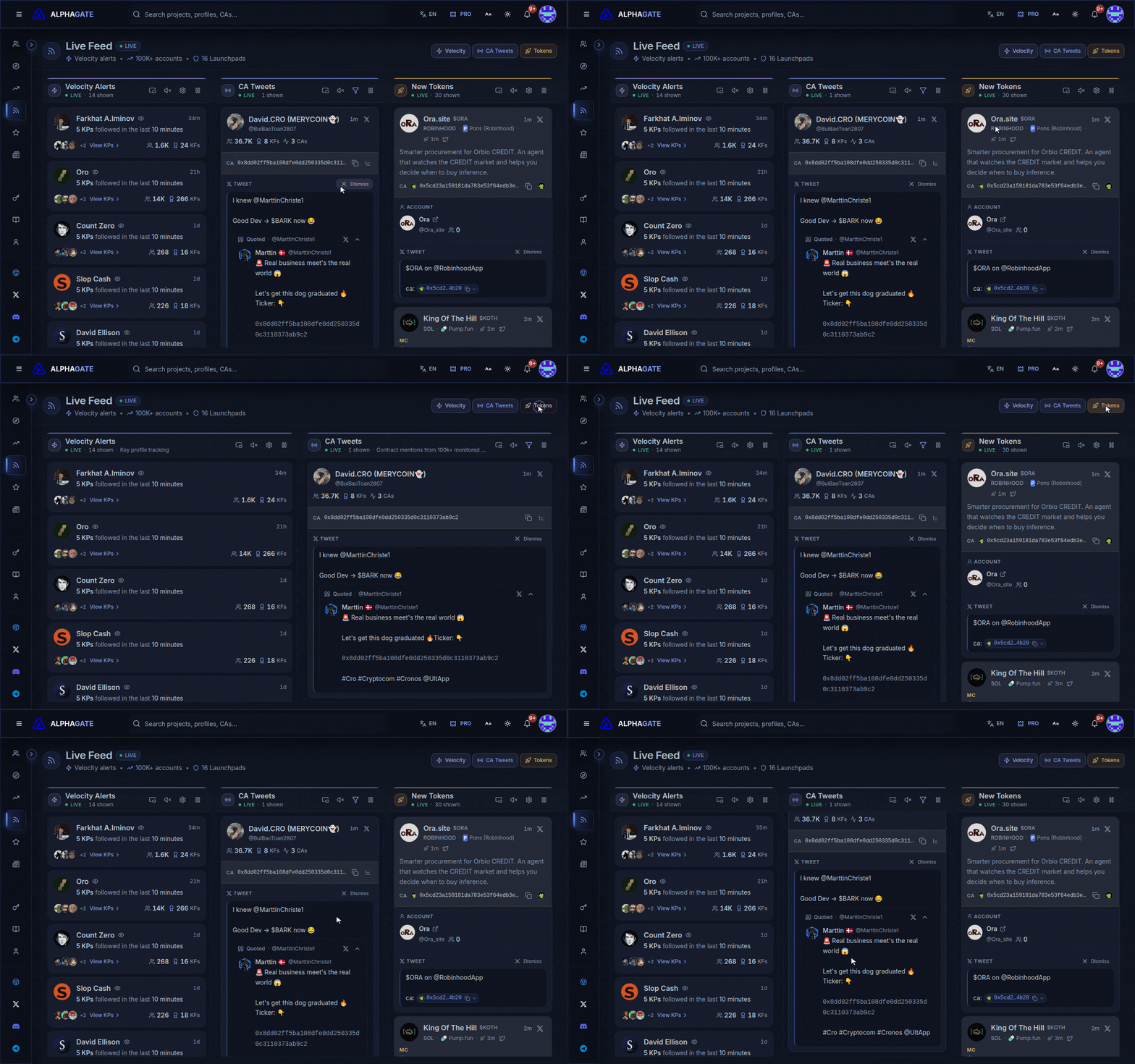
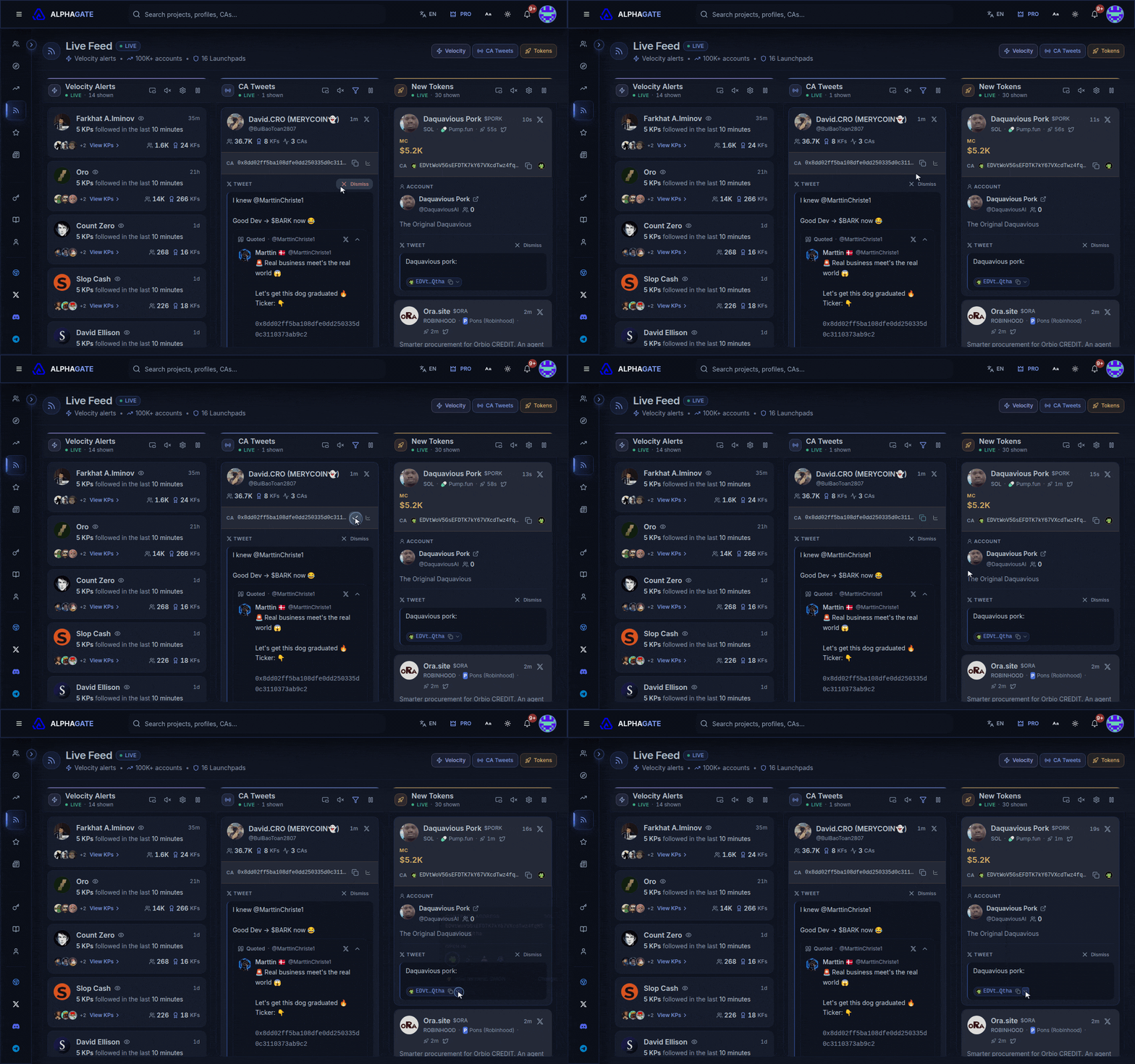
Velocity alerts, contract tweets and new tokens in three live columns.
Three streams that move faster than anything you'd refresh by hand:
| Column | What it catches |
| ----------------------------------------------------------------- | ------------------------------------------------------------------------- |
| [**Velocity Alerts**](/live-signals/live-feed/velocity-alerts.md) | Accounts several key profiles followed within minutes, by your own rules. |
| [**CA Tweets**](/live-signals/live-feed/ca-tweets.md) | Tweets containing a contract address, from 100K+ monitored accounts. |
| [**New Tokens**](/live-signals/live-feed/new-tokens.md) | Launchpad tokens, the moment their own X account tweets the contract. |
{% hint style="warning" %}
The Live Feed is part of Pro.
{% endhint %}
## Reading a card
* **MC** (gold) is the market cap at the moment of the tweet, where available. Compare it with the price now to see how much of the move has already happened.
* **KFs**, **PU** and **CA** on the account are its key followers, previous usernames and contracts posted before; click any of them for the list. A fresh account with several PU and CA has usually launched before.
* When a column's filter button turns blue, filters are hiding cards; hover the count under the column title to see how many.
* **Dismiss** hides a card until you reload.
## Contract links
Contract addresses open in your [trading terminal](/account-and-billing/trading-terminal.md). The arrow next to an address lists every terminal that supports the token's chain, for when you want a different one just this once.
## Pausing
Pause works differently per column:
* **Velocity Alerts** and **CA Tweets** stop updating, and **Play** catches up to the newest.
* **New Tokens** keeps collecting while paused; a **✨ N new** banner counts what's waiting.