> For the complete documentation index, see [llms.txt](https://docs.alphagate.io/llms.txt). Markdown versions of documentation pages are available by appending `.md` to page URLs; this page is available as [Markdown](https://docs.alphagate.io/alphagate-docs-zh/gong-neng/kuo-zhan.md).
# 扩展
有了此扩展,浏览加密圈的 Twitter 从未如此简单。Alphagate 让你可以快速查看个人资料详情、跟踪用户名更改并轻松发现重要粉丝。你还可以监控项目发布的所有合约,即使这些合约已被删除,并能轻松识别多次改名的账户。想发现新趋势或热门内容?只需点击弹出窗口即可深入查看。
**版本**
你可以下载 **Chrome** 扩展[ **此处**](https://chromewebstore.google.com/detail/alphagate-x/niokainjnclnhaflagpmeobbnklokill?hl=en)
要本地安装请下载 zip 并通过导入解压后的文件夹来安装 `chrome://extensions/`
{% file src="/files/a6344f33ce88178740ceab118a8a0f83d61ac035" %}
2026年1月27日 上传(Axiom 修复)
{% endfile %}
{% file src="/files/d5c59dfb1b70103c30562d2e09c2ad26c8c0283e" %}
2025年3月16日 上传(Photon-Bullx 版本)
{% endfile %}
旧版本仅支持 Twitter,且不包含 Photon-Bullx-Axiom 集成。
{% file src="/files/3026bf67a382c11702bf6c42bd5013e92d5a5ce0" %}
2025年2月6日 上传
{% endfile %}
要本地 **Firefox** 安装请下载 zip,打开
`about:debugging#/runtime/this-firefox`
点击“加载临时附加组件”并导入 manifest.json 文件
{% file src="/files/08607a4302b5c9cdc175fd3494f29f09be551e57" %}
2025年8月5日 上传
{% endfile %}
**项目**
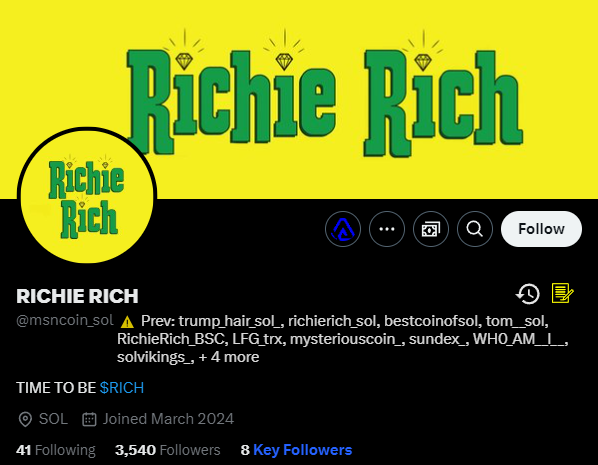
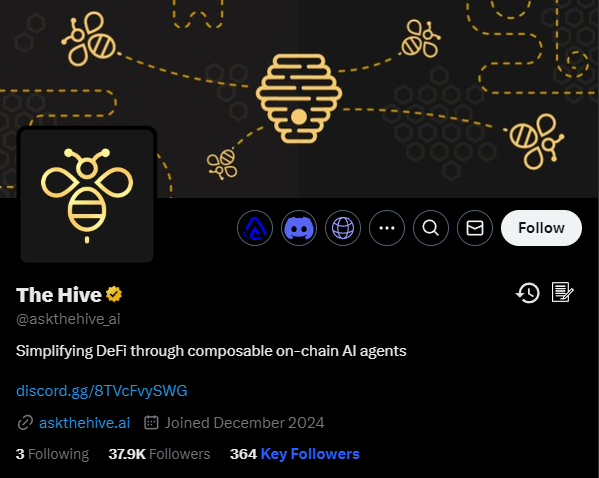
项目信息
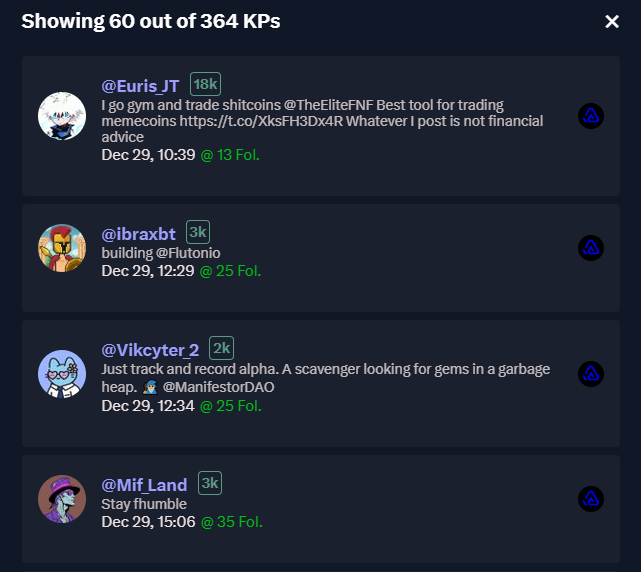
点击“关键粉丝”即可查看早期关注该项目的关键账号列表。
关键粉丝从旧到新
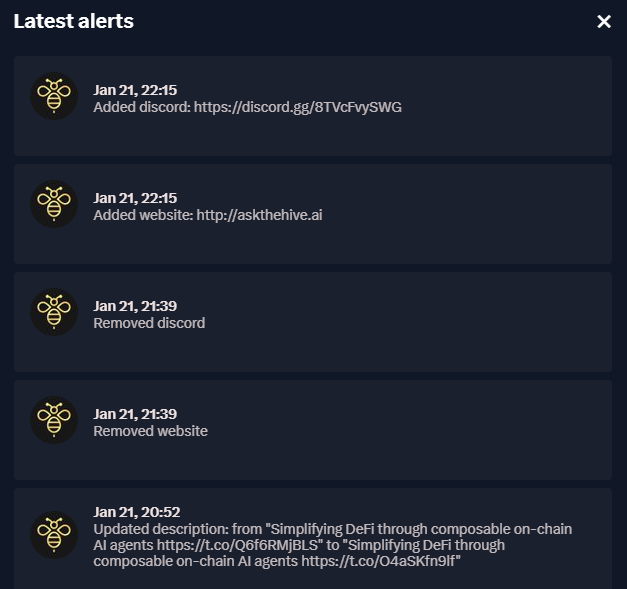
点击 图标,你可以查看最新警报的列表。
项目最新简介 - 链接更改
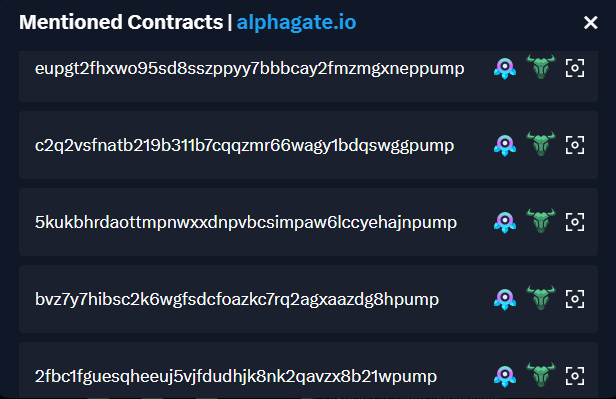
点击 图标,你可以查看该项目发布的所有合约列表。
合约列表
## 更名账户与之前的合约
当你在 X 浏览并遇到我们记录中有改名数据的项目时,我们会自动显示这些信息,无需你额外点击。这有助于筛除拉地毯式诈骗(rug pulls)。
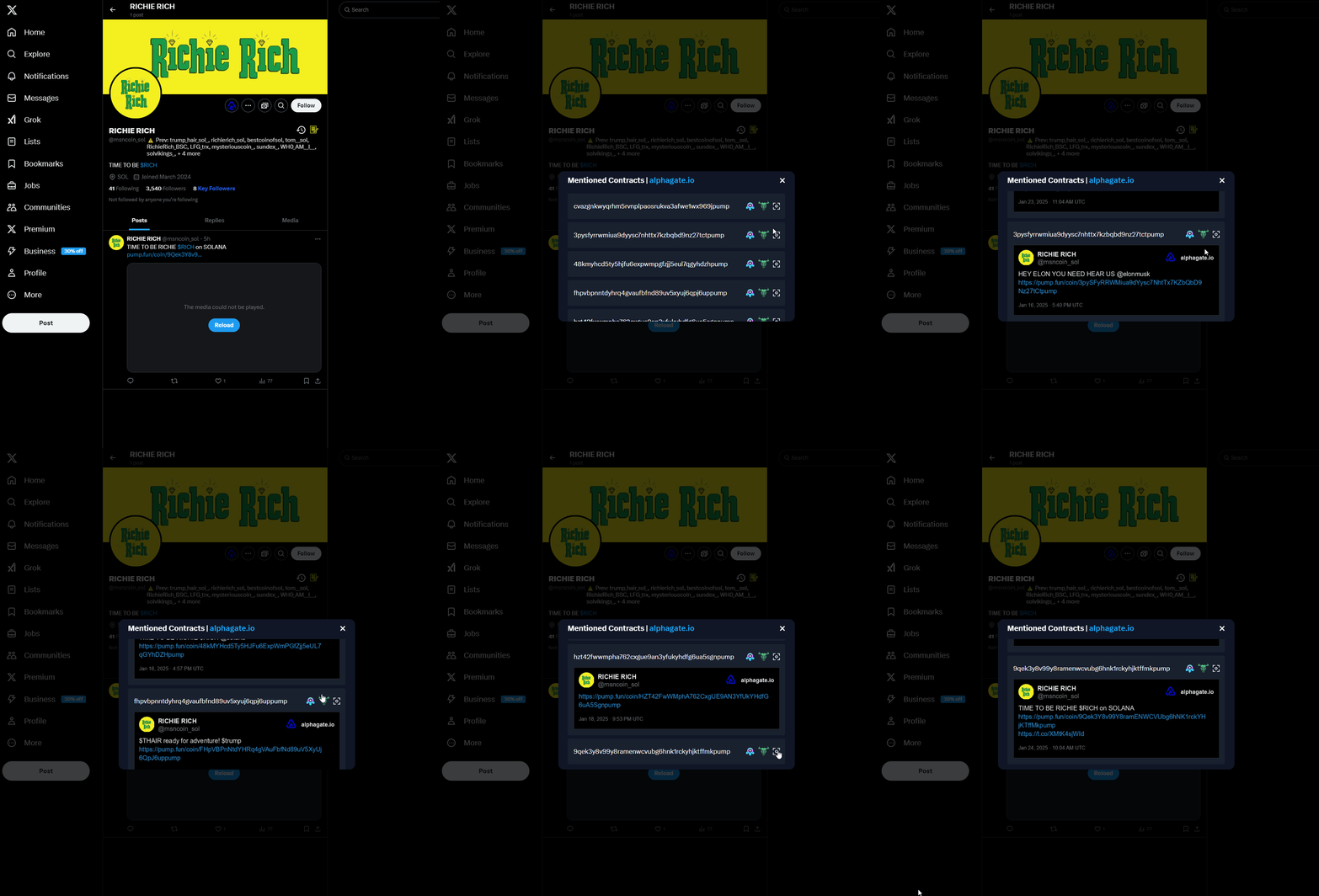
我们还会追踪该账户曾发布的所有合约,即使它们后来被删除。
{% hint style="info" %}
例如,该账户过去曾发布过两个合约,随后这些推文被删除。结合多次改名,这表明它很可能是一个惯犯诈骗者。
{% endhint %}
## 关键账号
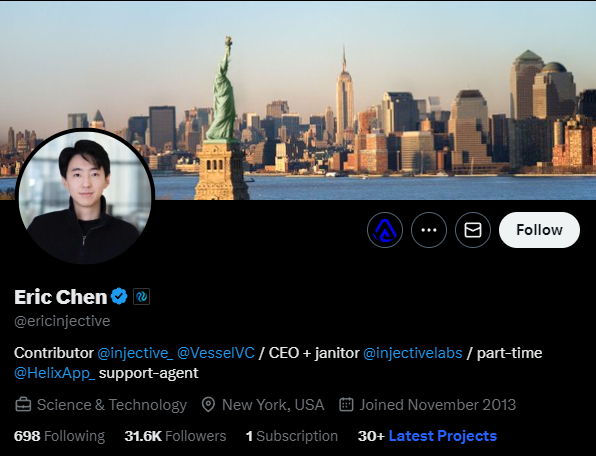
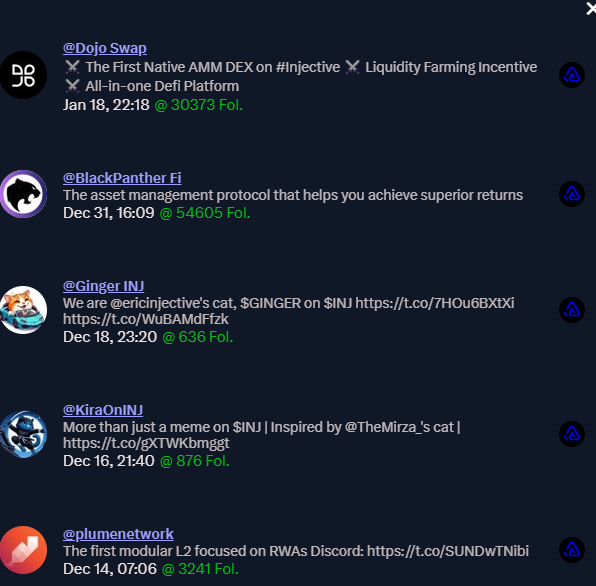
访问我们数据库中收录的关键账号时,你可以查看他们最新关注的记录,下面以 Injective 的 CEO 账号为例。
## 弹出窗口
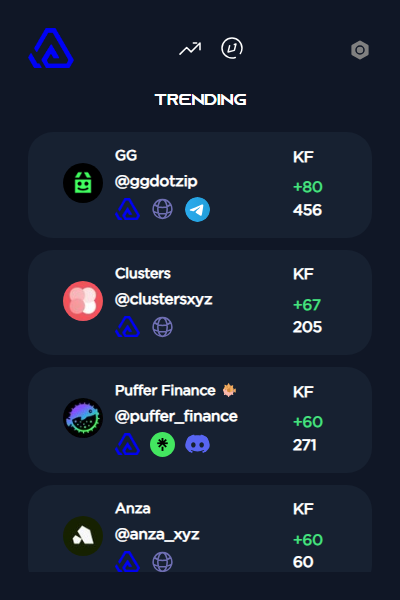
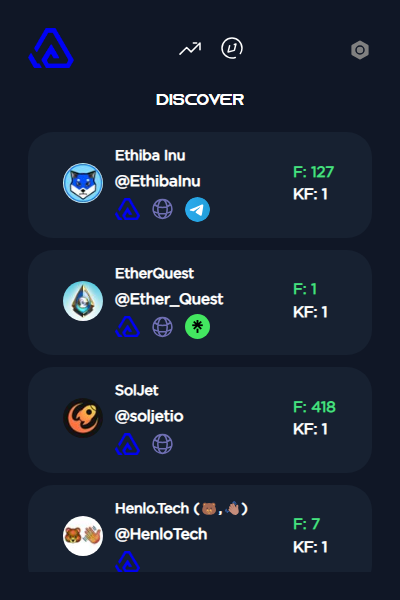
撰写本文时,弹出窗口包含两个部分。
* 趋势项目(显示最近的趋势项目)
* 发现订阅(显示 Alphagate 实时抓取的最新项目。)
---
# Agent Instructions
This documentation is published with GitBook. GitBook is the documentation platform designed so that both humans and AI agents can read, navigate, and reason over technical content effectively. Learn more at gitbook.com.
## Querying This Documentation
If you need additional information that is not directly available in this page, you can query the documentation dynamically by asking a question.
Perform an HTTP GET request on the current page URL with the `ask` query parameter, and the optional `goal` query parameter:
```
GET https://docs.alphagate.io/alphagate-docs-zh/gong-neng/kuo-zhan.md?ask=&goal=
```
`ask` is the immediate question: it should be specific, self-contained, and written in natural language.
`goal` is optional and describes the broader end goal you are ultimately trying to accomplish on behalf of the user. GitBook uses it to tailor the answer towards what is most useful for that goal.
The response will contain a direct answer to the question and relevant excerpts and sources from the documentation.
Use this mechanism when the answer is not explicitly present in the current page, you need clarification or additional context, or you want to retrieve related documentation sections.
 图标,你可以查看最新警报的列表。
 图标,你可以查看该项目发布的所有合约列表。