> For the complete documentation index, see [llms.txt](https://docs.alphagate.io/llms.txt). Markdown versions of documentation pages are available by appending `.md` to page URLs; this page is available as [Markdown](https://docs.alphagate.io/alphagate-docs-zh/gong-neng/guan-zhu.md).
# 关注
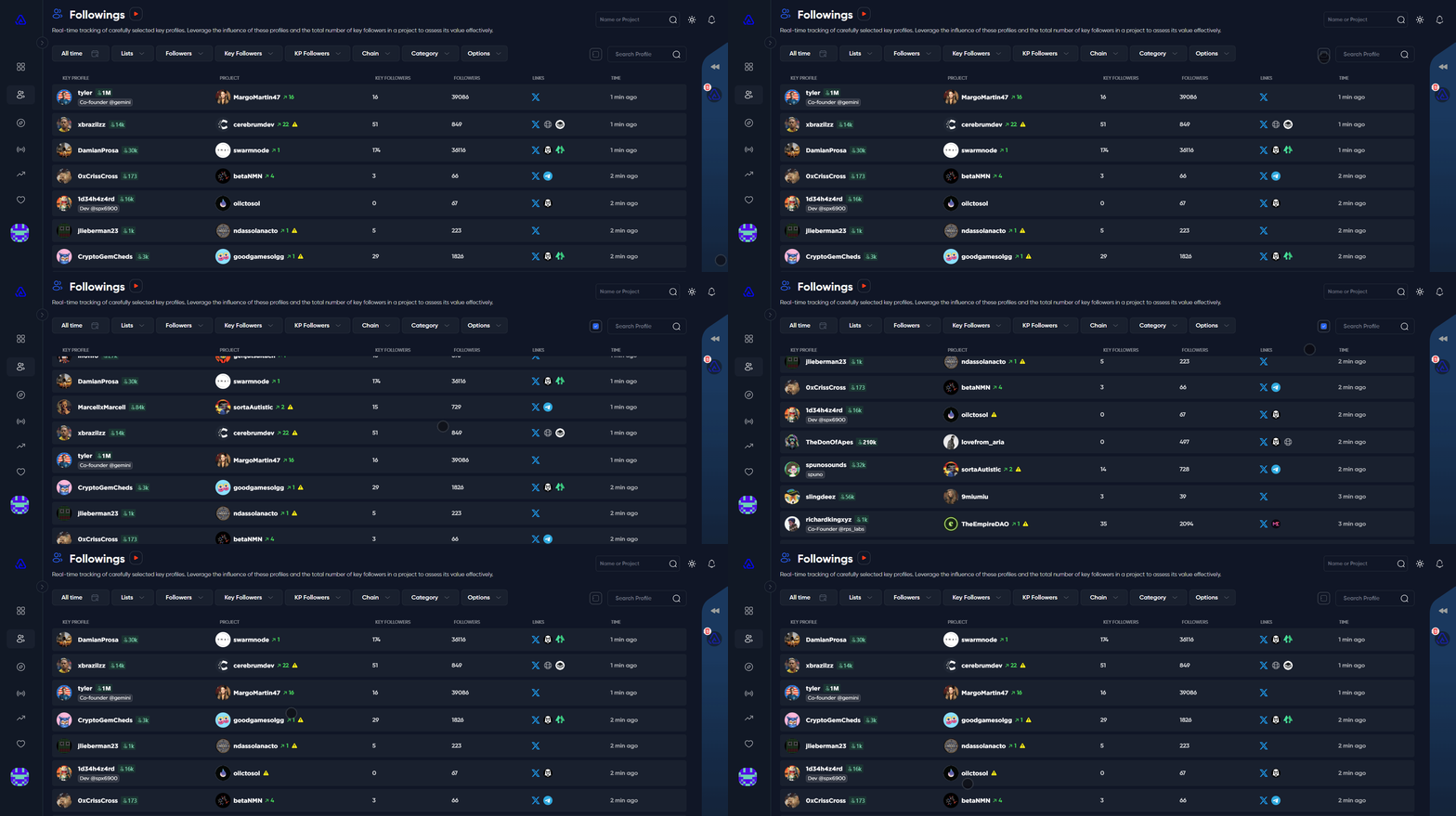
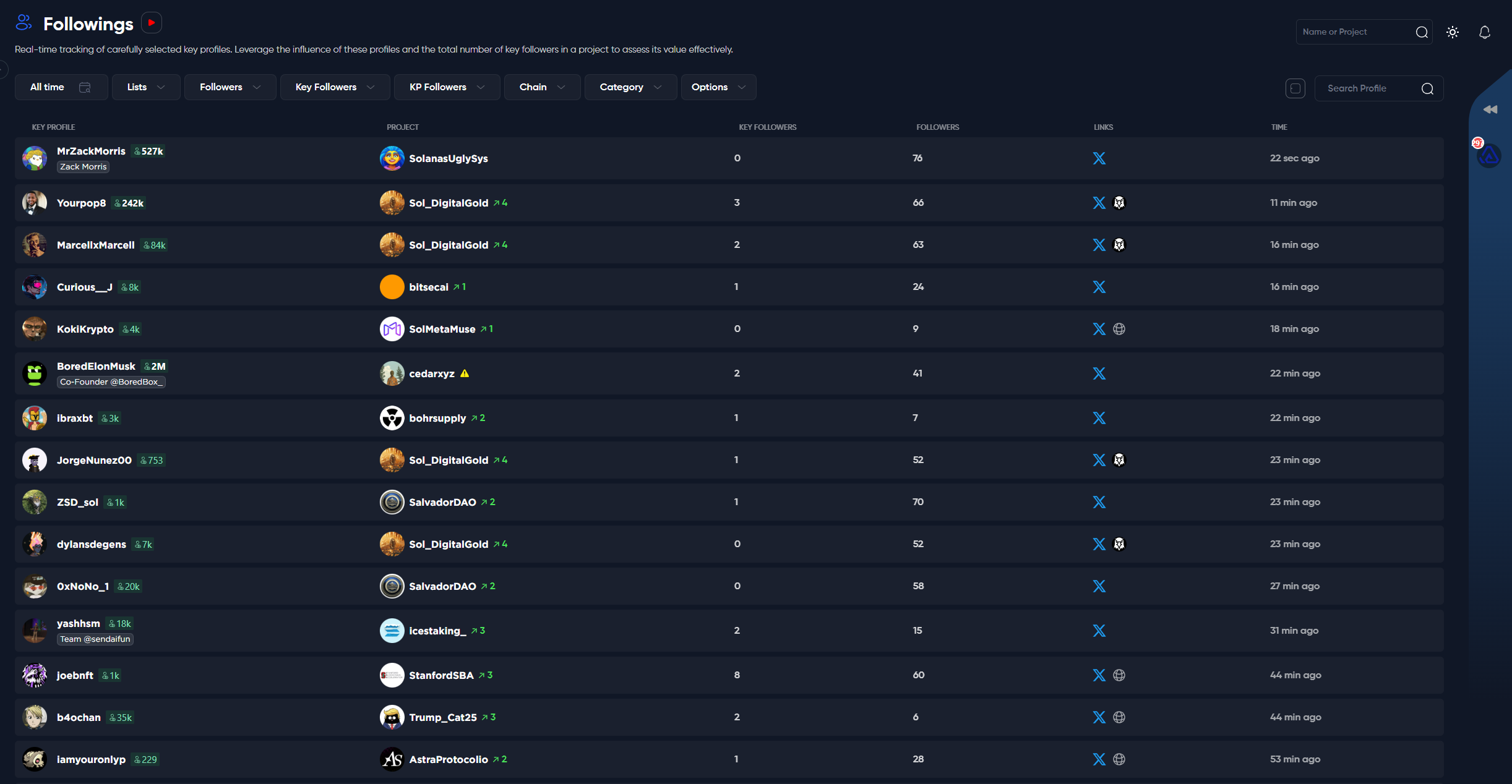
“Followings”(关注)部分是Alphagate的基石,因为我们的大部分信息来源于此。
Followings与 [**发现**](/alphagate-docs-zh/gong-neng/fa-xian.md) 之间的一个关键区别是,在Followings部分,如果该项目被关键账号关注,项目可能会多次出现,而在Discover(发现)部分,项目仅显示一次。
### 关注列表
如您可能已经知道的,我们监控超过7300个Crypto Twitter(CT)账号,并且每天都在增加。通过分析他们的关注对象,我们识别项目,进行深入分析,并生成见解,为用户提供市场竞争优势。
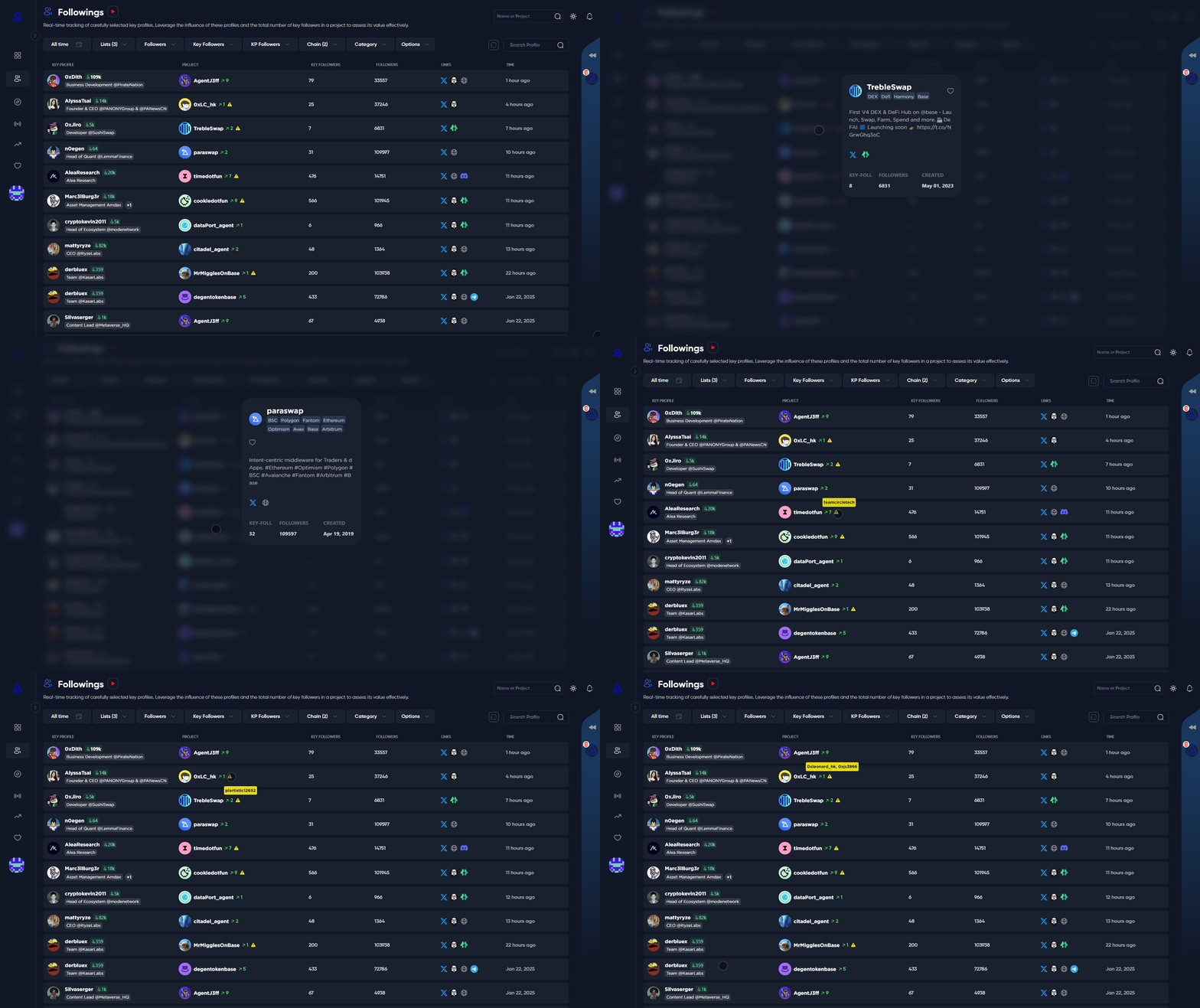
如需了解某个项目的更多详情,只需点击项目名称。将弹出一个模态窗口,显示有关该项目的额外信息。您也可以将鼠标悬停在黄色图标上查看(如适用的)名称更改。
{% hint style="info" %}
**提示**:要发现今天或更长时间范围内被最多关注的项目,请参考 [趋势](/alphagate-docs-zh/gong-neng/re-men.md) 部分!
{% endhint %}
### 筛选器
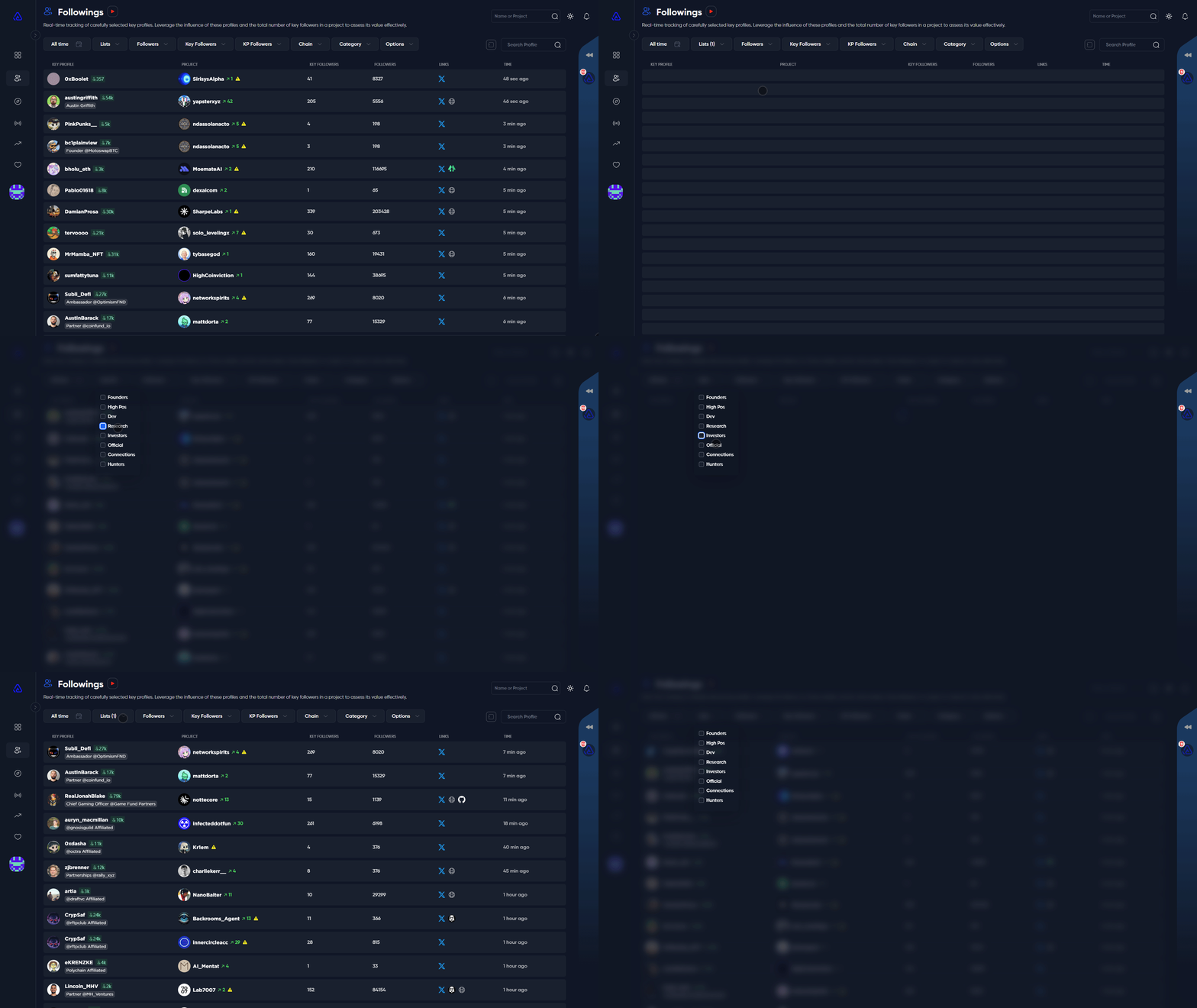
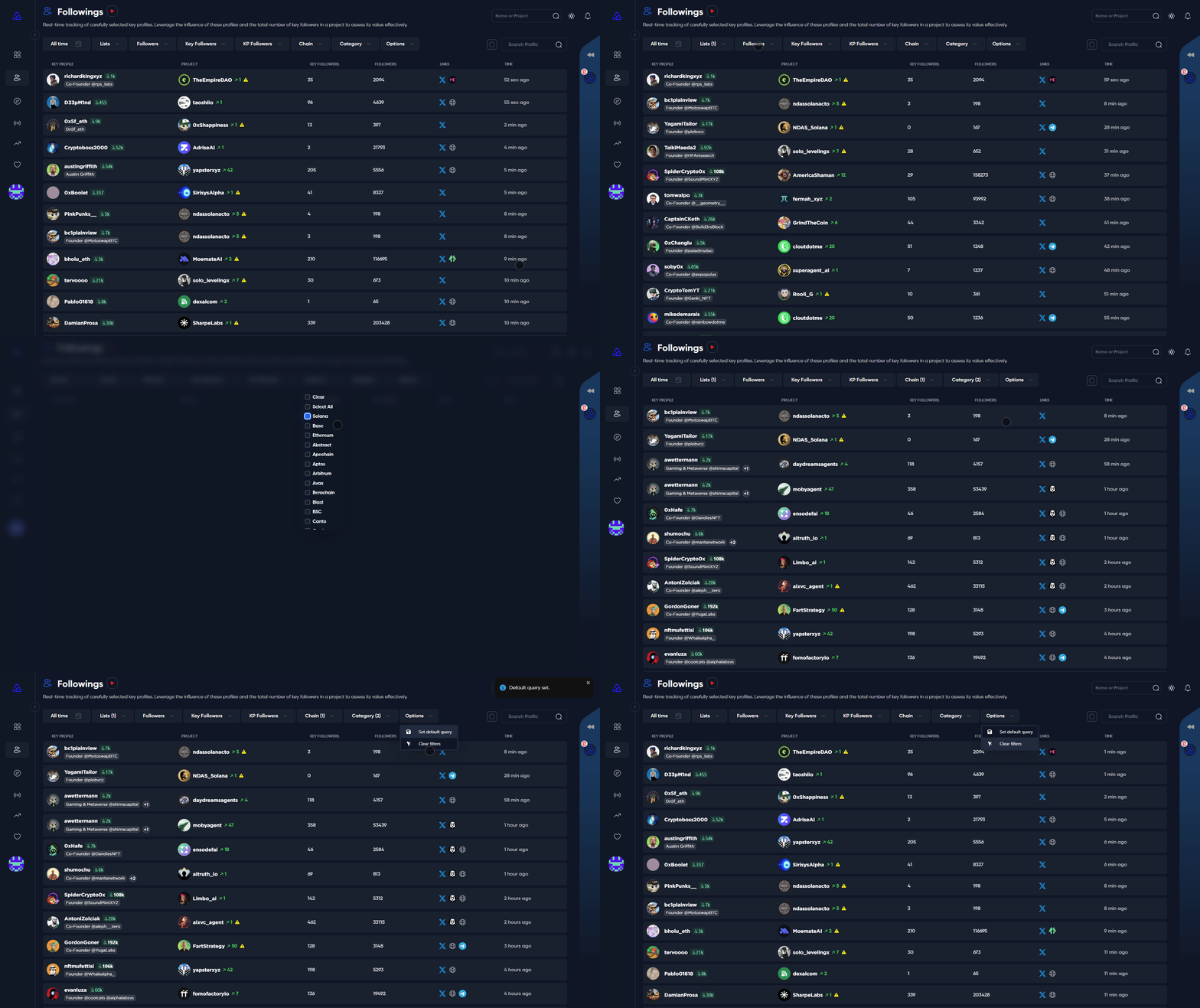
该 **“Lists”(名单)** 筛选让您可以从多种关键关注者类型中选择,包括创始人、高管、开发者、研究员、投资者、官方组织、关联人物和普通猎人。您可以选择一个或多个类别以进一步优化视图。
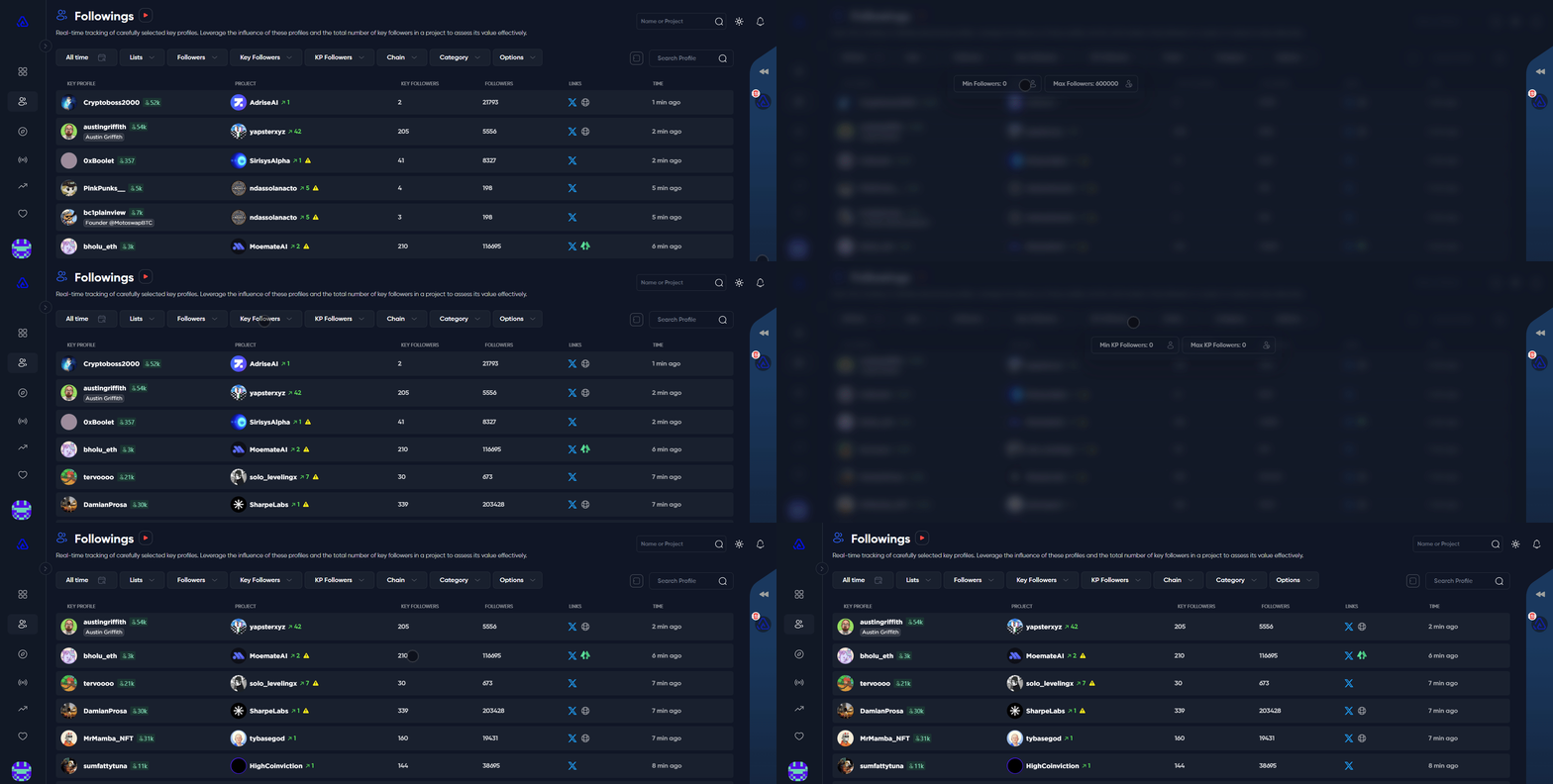
使用 **“Followers”(粉丝)** 筛选来指定您感兴趣项目的粉丝范围。\
选择 **“Key Followers”(关键关注者)** 筛选来定义项目的关键关注者范围。\
使用 **“KP Followers”** 筛选来确定关注某项目的关键账号的粉丝范围。
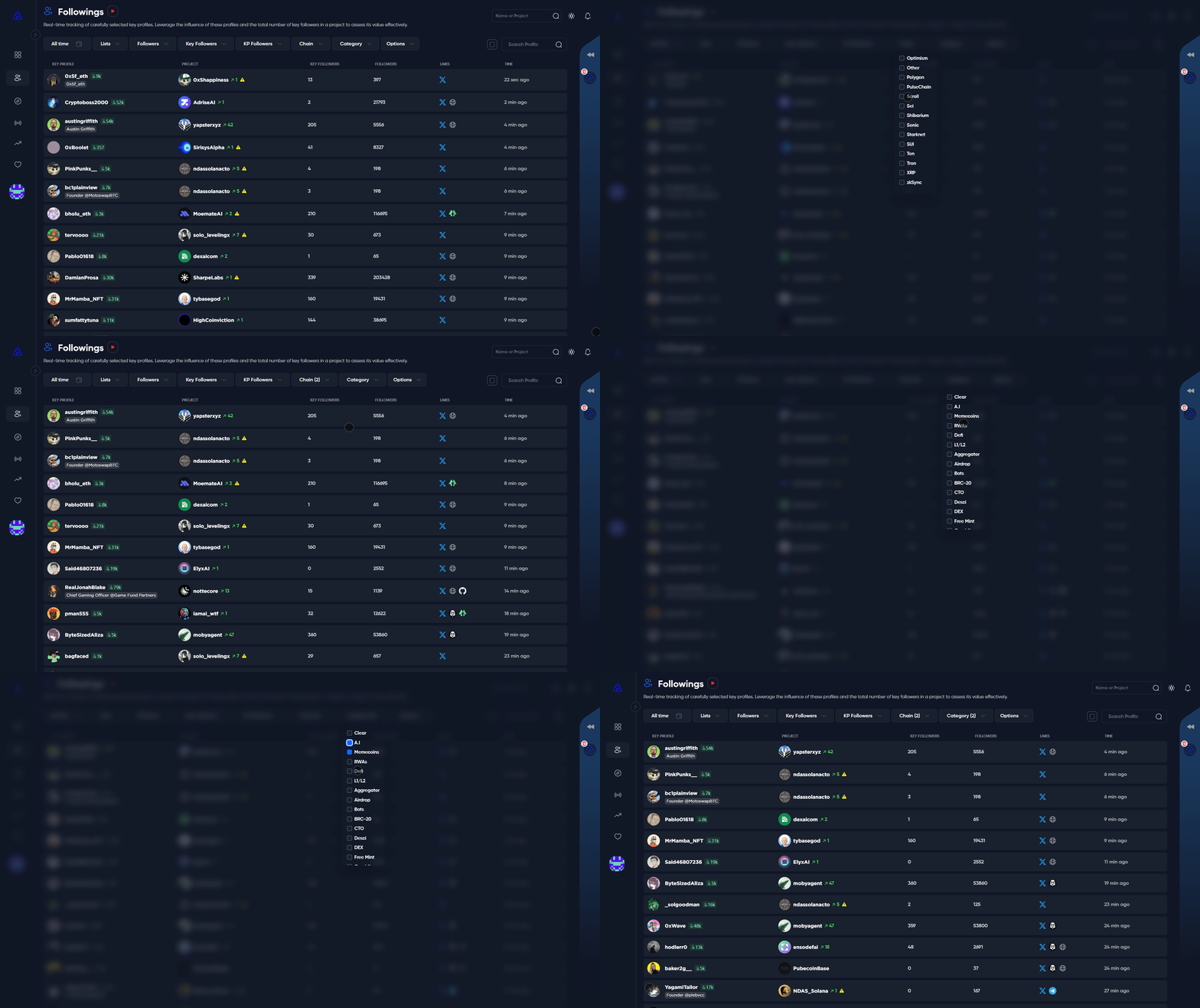
使用 **“Chain”(链)** 筛选以选择您感兴趣的链。使用 **“Category”(类别)** 筛选以探索各种类别,例如Memecoins、AI、空投、免费铸造、DeFi等。\
选择好筛选条件后,点击 **“Options”(选项)** 然后 **“Set default query”(设置默认查询)** 以保存您的筛选预设。或者您可以点击“Clear filters”(清除筛选)返回默认设置。
您可以点击 图标以查看未筛选的结果。
---
# Agent Instructions
This documentation is published with GitBook. GitBook is the documentation platform designed so that both humans and AI agents can read, navigate, and reason over technical content effectively. Learn more at gitbook.com.
## Querying This Documentation
If you need additional information that is not directly available in this page, you can query the documentation dynamically by asking a question.
Perform an HTTP GET request on the current page URL with the `ask` query parameter, and the optional `goal` query parameter:
```
GET https://docs.alphagate.io/alphagate-docs-zh/gong-neng/guan-zhu.md?ask=&goal=
```
`ask` is the immediate question: it should be specific, self-contained, and written in natural language.
`goal` is optional and describes the broader end goal you are ultimately trying to accomplish on behalf of the user. GitBook uses it to tailor the answer towards what is most useful for that goal.
The response will contain a direct answer to the question and relevant excerpts and sources from the documentation.
Use this mechanism when the answer is not explicitly present in the current page, you need clarification or additional context, or you want to retrieve related documentation sections.
 图标以查看未筛选的结果。